The Story
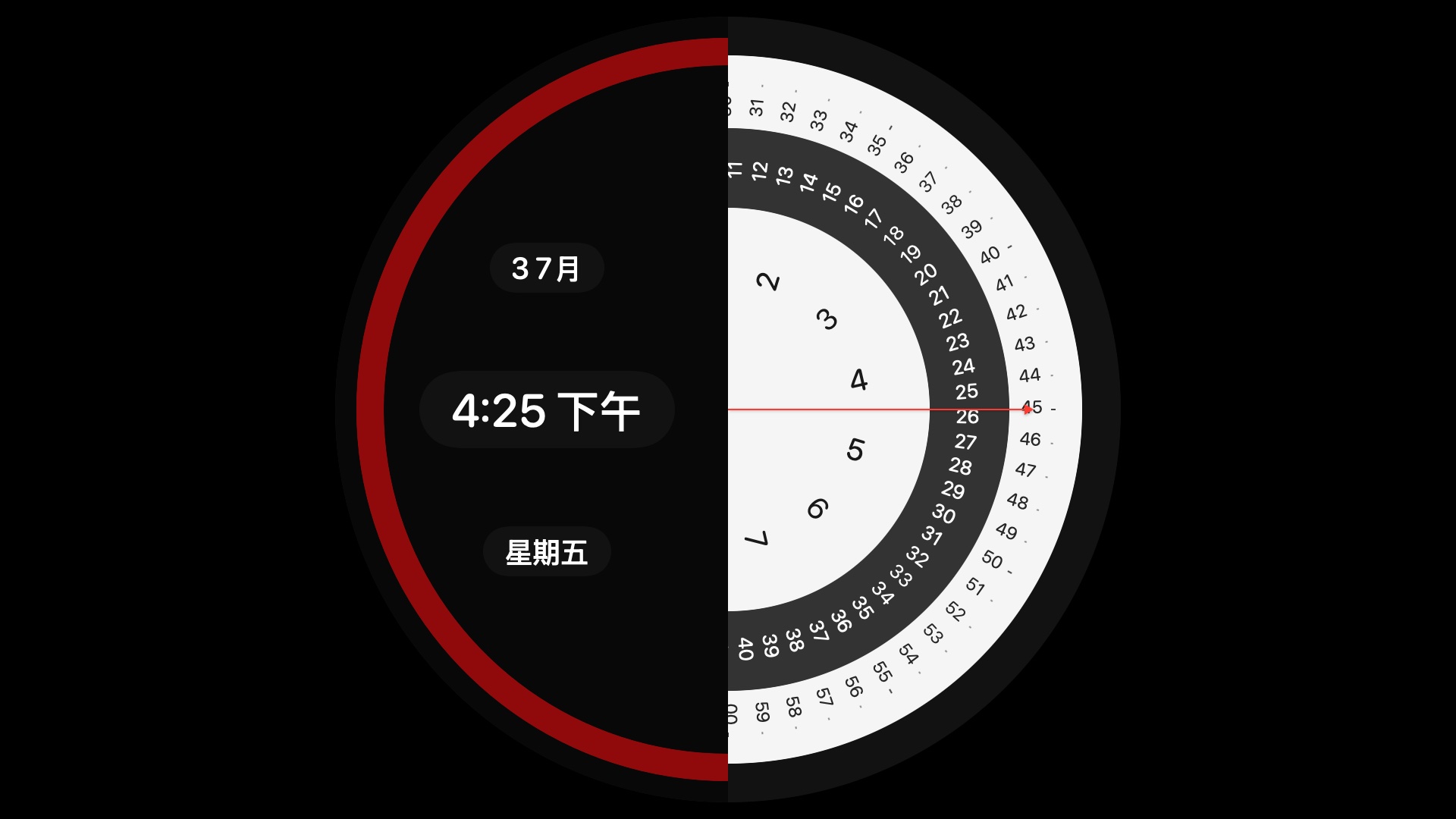
Analog Digital splits a classic dial straight down the middle: the right half keeps three concentric hour/minute/second hand-rings, while the left half is a digital panel showing time, date and weekday in large type. A red pointer runs across the face toward the read-out side, tying both ways of telling time to the same line of sight.
It is a compromise on the old "hands or digits" debate — why not both, cross-checking each other. The design keeps the ceremony of an analog dial without giving up the at-a-glance clarity of digital numbers.
Highlights
- Analog dial on the right, digital panel on the left — two displays cross-checking each other
- Time, date and weekday shown together as three digit capsules
- A red pointer runs across the face toward the read-out side for a clear focal point
- Dark background with white markings, comfortable for long viewing
Best For
For those who want the ceremony of an analog dial without losing at-a-glance clarity. Great on a desk or in the living room, balancing looks and usefulness.
How to Install
- 1
Download
Click the download button for your favorite screen saver.
- 2
Install
Double-click the .saver file to install it on your Mac.
- 3
Activate
Open System Settings → Screen Saver and select your screen saver.
System Requirements
- macOS 12.4+
- Dark mode support
v1.2 · 334 KB